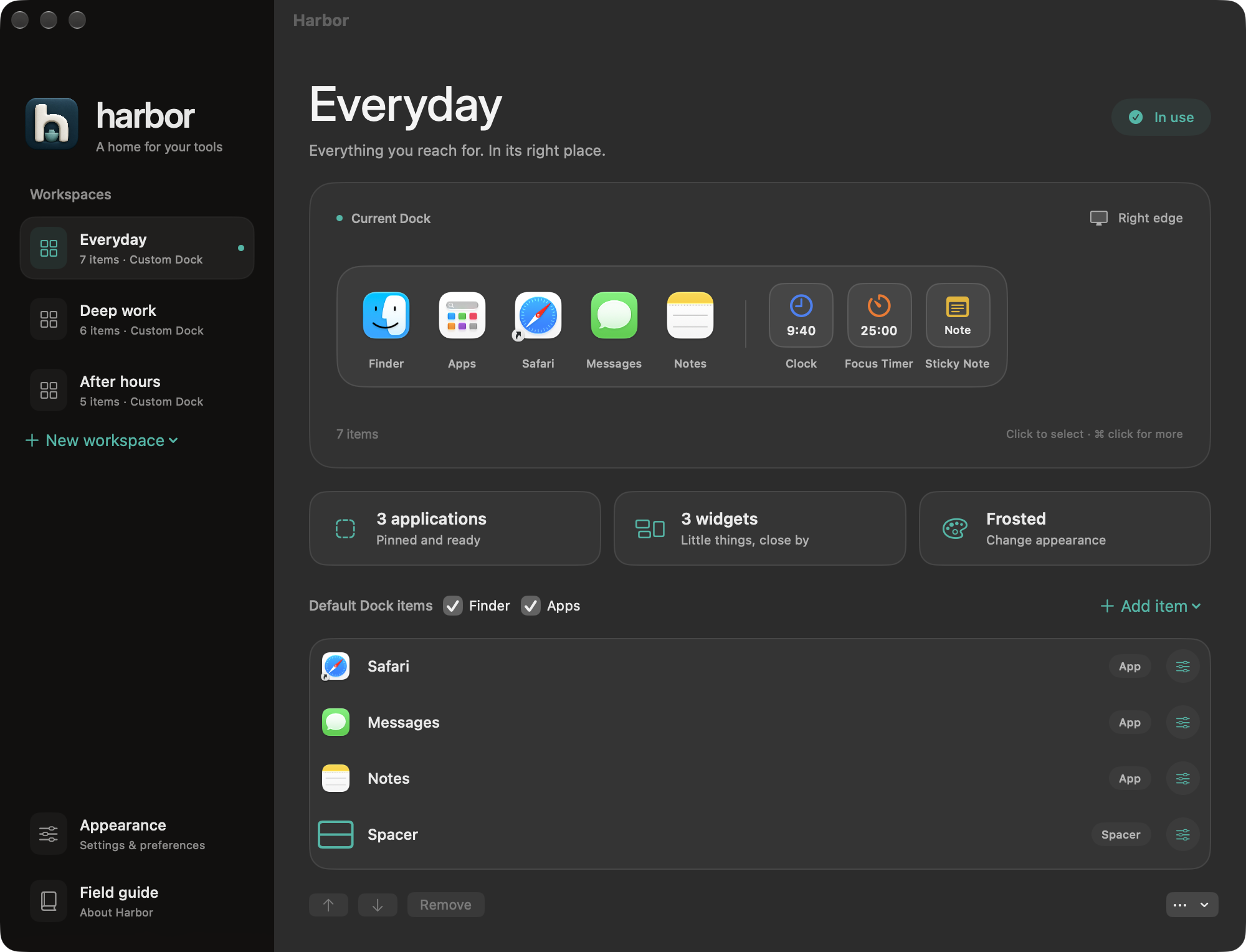
A Dock for work. A Dock for play. Switch in one click.
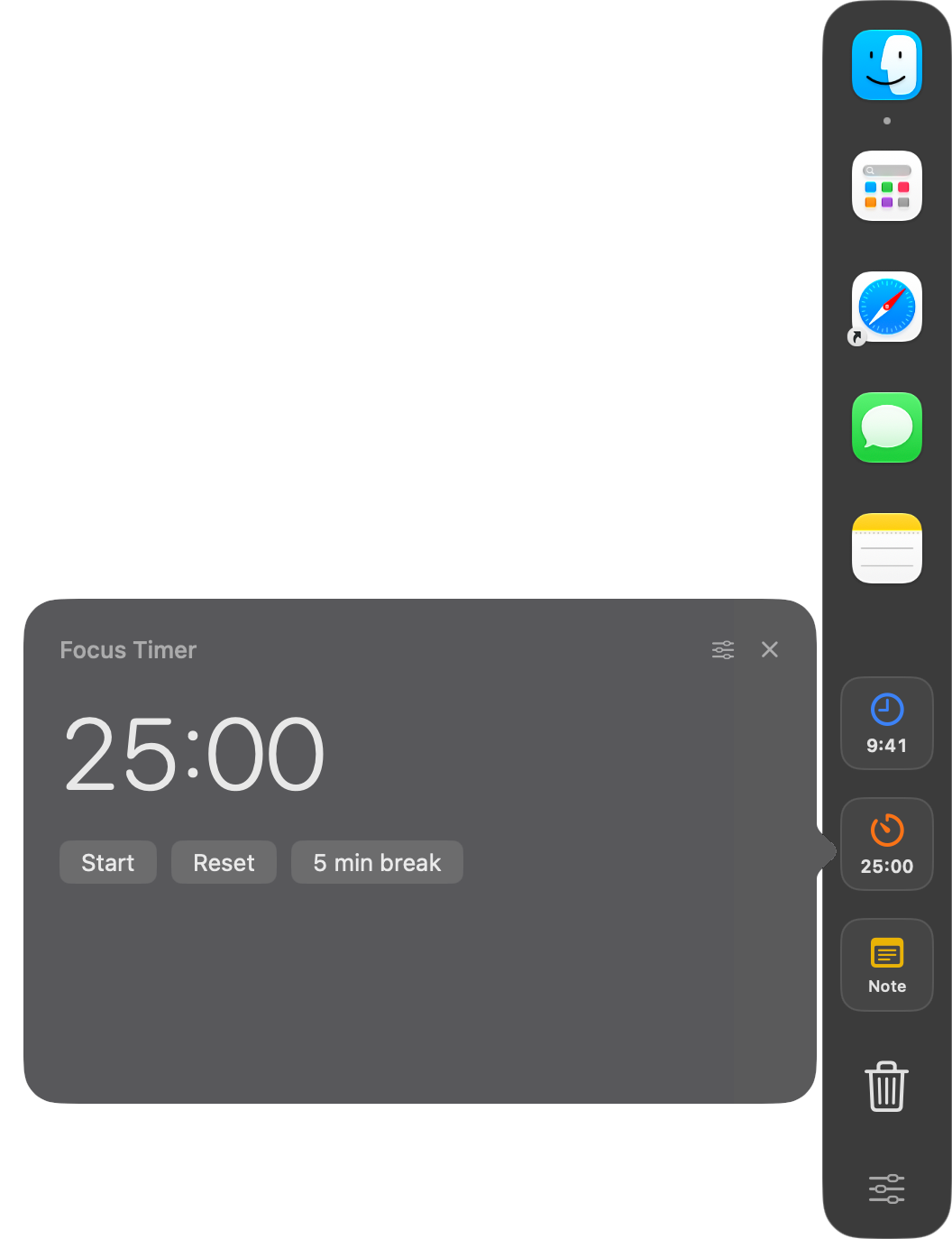
Apple’s Dock holds everything at once. Harbor adds a second Dock with only what you need right now, plus live widgets like a focus timer that blocks distracting apps.
macOS 13 and later · $4.99 once · Leaves your Apple Dock alone
A Dock for every part of your day Live widgets, one click away Your colors, your layout
WHY HARBOR
Less reaching. More doing.
Stop digging through Launchpad and a crowded menu bar. Harbor keeps the apps and answers you check all day on the edge of your screen.
EverydayThe familiar favorites.
Deep workJust what you need.⌃ ⌥ H
After hoursA change of pace.
WORKSPACES
One Mac. A Dock for every mode.
Save a Dock for work, one for deep focus, one for the evening. Switch from the menu bar, a keyboard shortcut, or a macOS Focus.
22 WIDGETS
Check it without opening anything.
Your next meeting, battery, network speed, and how much Codex or Claude usage is left sit right on your Dock. Click any widget for the full picture.
YOUR DOCK, YOUR WAY
Make it yours.
Pick an accent color, light or dark, frosted or solid glass, any size, on any side of any display.
BUILT FOR MAC
Feels like it came with your Mac.
Harbor is a native Swift app. Your workspaces are saved on your Mac, with no account to create. Calendar, Reminders, and Music connect only when you turn them on.
Native macOS app No account needed
ONE SMALL PURCHASE
A calmer Mac. For $4.99.
Pay once and keep it. No subscription, no account.
Harbor is in development. Joining the waitlist is free, and you’ll hear the day it’s ready.
HARBOR FOR MACOne-time purchase
$4.99 USD
Every feature included.
Unlimited Docks and workspaces
All 22 widgets, including Focus app blocking and AI Limits
Harbor is in development, with no public release date yet. Join the waitlist and you will hear the moment it is ready.
Which Macs will it support?+
The current build runs on Apple silicon Macs and targets macOS 13 or newer. Liquid Glass requires macOS 26 or newer. Final compatibility testing is still underway.
Does it change my existing Dock?+
No. Harbor adds its own Dock and leaves Apple’s alone. If you would rather see only Harbor, one optional setting auto-hides Apple’s Dock.
What happens when I join?+
Your email is saved for Harbor availability and launch updates. There is no purchase or charge. To leave the list, email aarav@aaravpuri.org.
Be first to try Harbor.
Leave your email and we'll tell you the day it launches. Just launch news, no spam.
 harbor